Workflow Triggers
3 min
The Triggers Panel in the Workflows Editor provides a user interface for managing triggers associated with the current workflow.
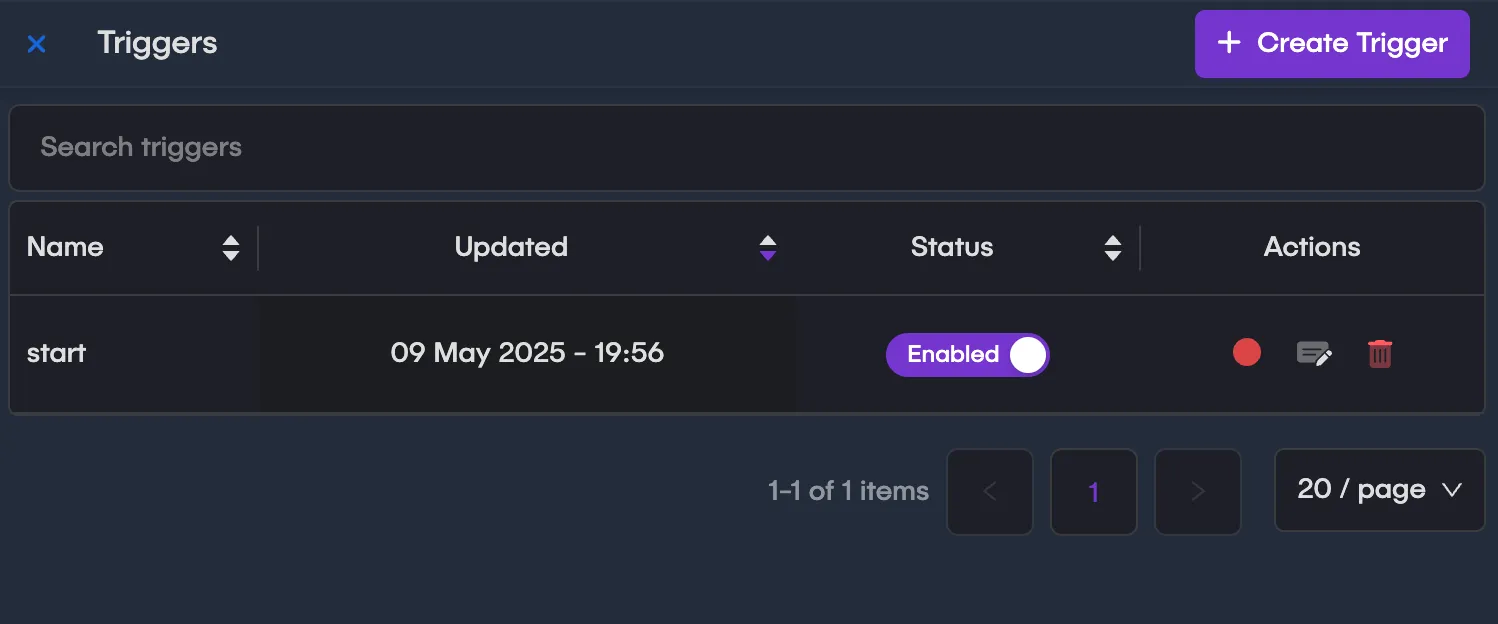
Triggers Panel
Overview
The Triggers Panel allows users to:
- Create or manage existing triggers.
- Filter triggers based on specific criteria
- View detailed information about a trigger.
- Capture live events for a specific trigger
Create Trigger
A Create Trigger button is available at the top-right corner of the panel. Clicking this button opens a form in a drawer where users can define a new trigger.
Expression Builder
The Expression Builder provides a tool for creating or editing complex trigger expressions. This tool is accessible from the trigger creation/editing form.
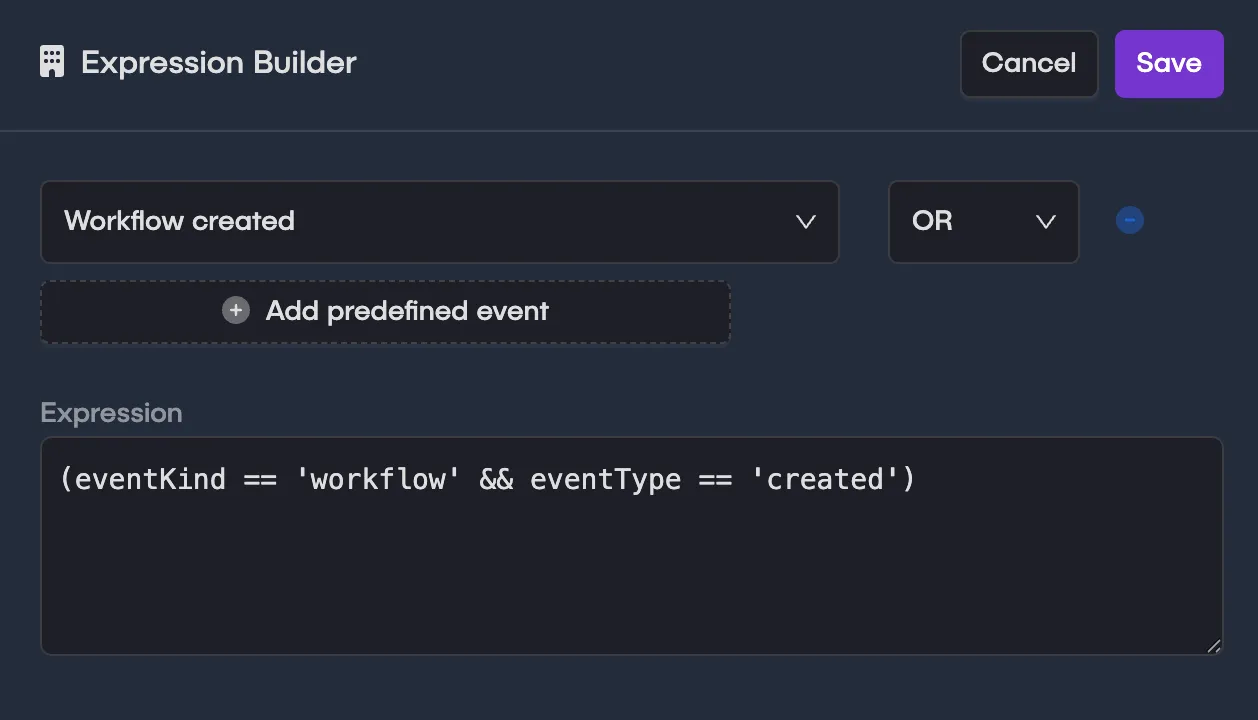
Expression Builder