Features Menu
1 min
This menu is active across all Kubeark Platform pages and offers you the possibility to navigate through the functional menus and settings.
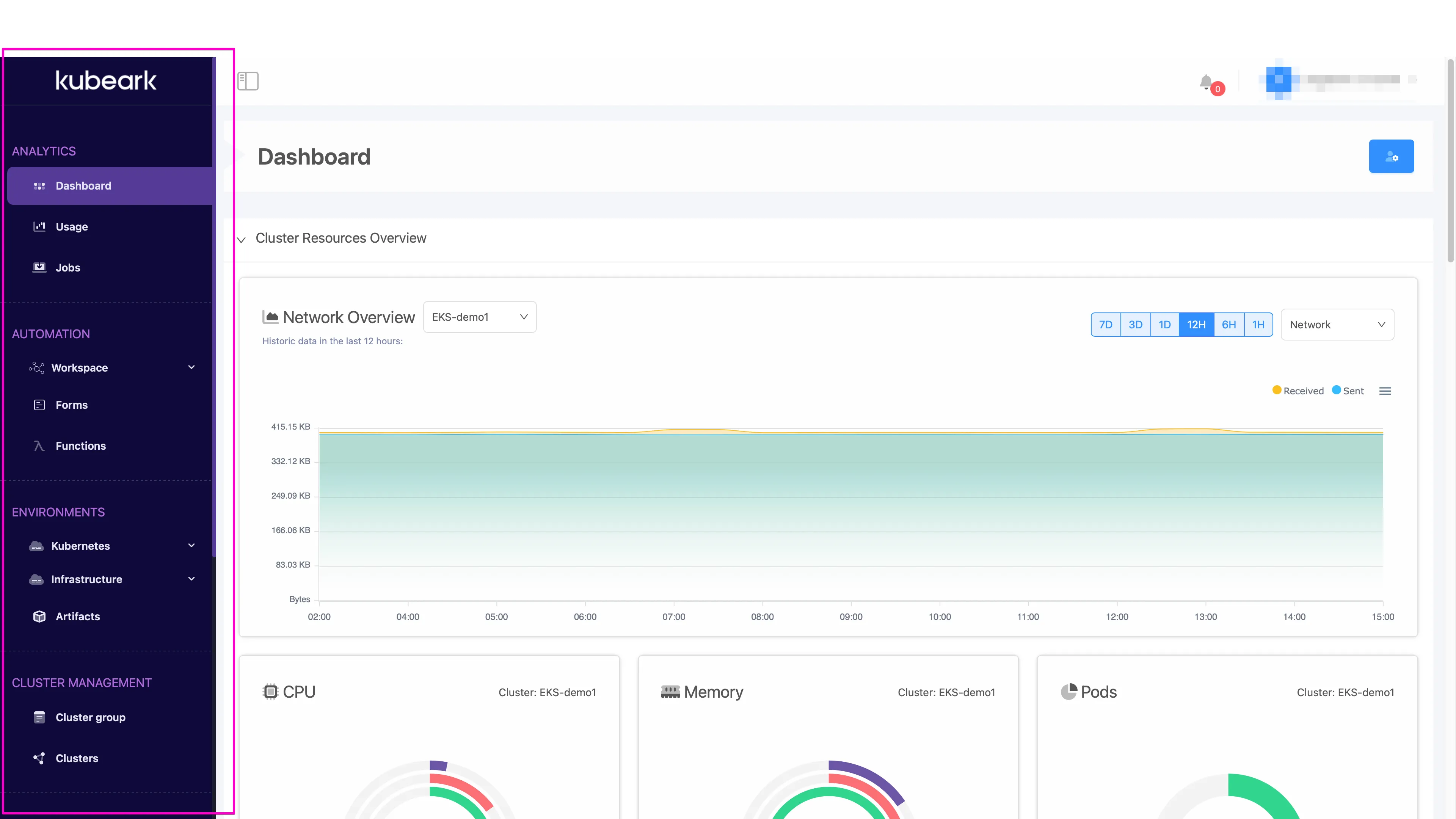
The following menus are available:
Options | Description |
|---|---|
Analytics | The first interaction with the Kubeark Platform after successful Authentication is the Analytics page. This section includes:
|
Automation | The Automation menu contains three main sections:
|
Environments | The Environment menu serves as a central hub for managing and configuring various aspects of your digital environment, and contains the following submenus
|
Cluster Management | This section includes:
|
Settings Management | The Settings page offers administrative functions for managing:
|
Audit |
|
User Management | This section contains the user administration menus:
|
| |